
Mod Gallery

Browse and install Claude Code mods in a pane

·

source at 265920f

·

MIT license

A pane that lists the mods reviewed on statuslin.es, with install counts and what each can reach. Pick one and its install prompt lands in your prompt box.

What this mod can do

  • Reviewed at commit 265920f
  • Connects to the internet
  • Puts text in your prompt box, which can replace what you typed
  • Adds a tool Claude can call
  • Sees each mcp__mod-gallery__search_mods tool call before it runs and can block or change it
2 more things it can do
  • Remembers data between sessions
  • Adds the /gallery command
Good to know (3)
  • Install replaces whatever you had typed in the prompt box
  • Claude can search the gallery too, through a search_mods tool that installs nothing
  • The last list is kept for five minutes and shown with its age when the site cannot be reached
Are mods safe?

Preview

Terminal

✕ Filter: words to match Sample data. Run /gallery for the live list. 1: Token Weather Usage by augiefra · 118 installs One band above the prompt with your context tokens, 5-hour and… 2: Sub Meter by midudev · 48 installs A meter at the bottom right of Claude Code, on the permission … 3: Deck by nvr0x5 · 46 installs A collapsible panel above the prompt shows plan progress, suba… 4: Context Bar by hamzafer · 23 installs A stacked bar above the prompt that splits your context window… 5: Filetree by data-goblin · 19 installs An IDE-style file tree pane with git status on every file, whe… 6: Better Prompt by bpstack · 14 installs Press a key and Haiku rewrites the draft in your prompt box, k… 1/1 r: Refresh

Claude Desktop

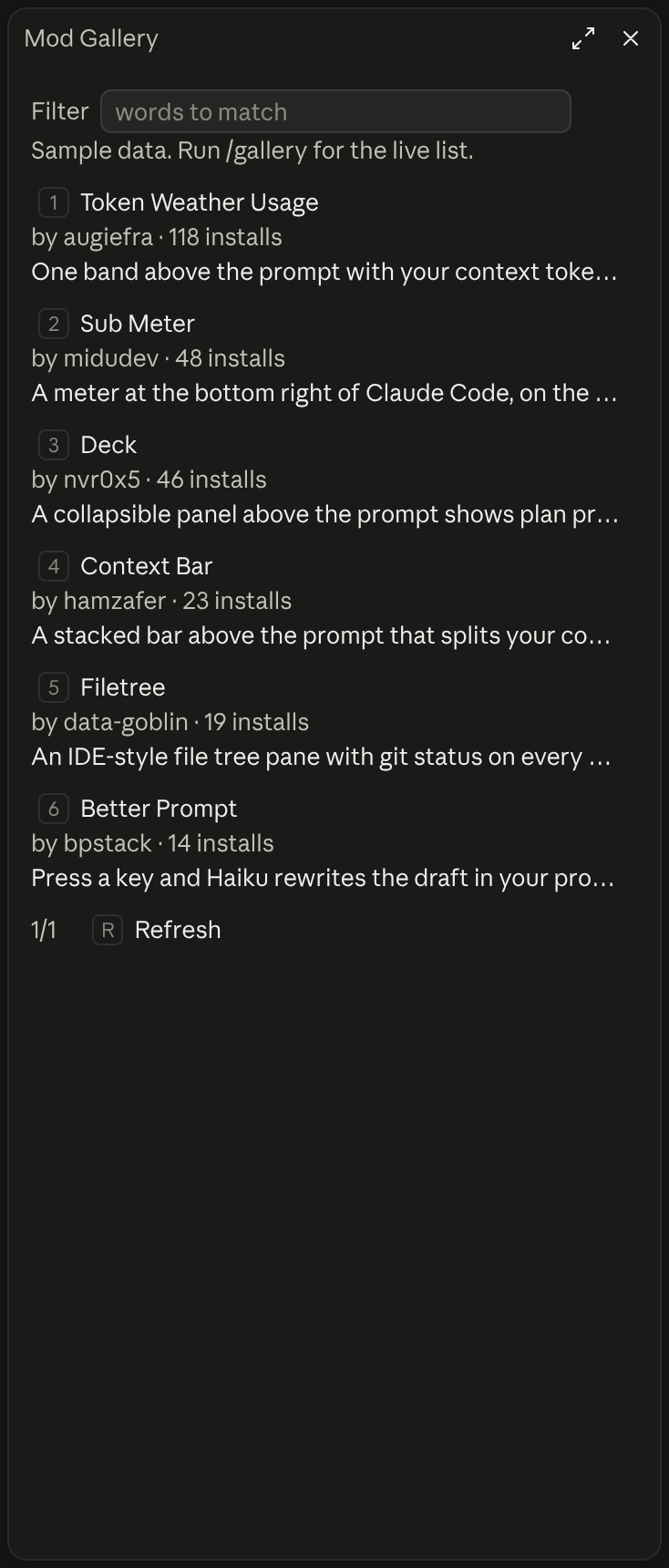
Mod Gallery in Claude Desktop

What it does

In the author's words

Browse the reviewed mods on statuslin.es in a pane, with their install counts and what each can reach, and put one's install prompt in your prompt box. /gallery opens it. It runs nothing: you read the prompt and send it.

What you see
A pane that lists the reviewed mods
Works in
Terminal and Claude Desktop
Slash commands
/gallery
Uses your tokens
No
Changes files
Nothing
Network access
The list of reviewed mods from statuslin.es
Reviewed commit
265920f
Preview recorded with
Claude Code 2.1.309

How it works

  1. /gallery opens the pane, and /gallery usage limits opens it already filtered
  2. It fetches the list of reviewed mods from statuslin.es/gallery.json
  3. Open a mod to see its summary, its license and every fact the site lists
  4. Install puts the install prompt in your prompt box and sends nothing

Common questions

How do I browse Claude Code mods without leaving Claude Code?

Run /gallery to open a pane that lists the mods reviewed on statuslin.es, with each one's install count and what it can reach. Type in Filter to narrow the list, or run /gallery usage limits to open it already filtered.

Does it install a mod for me?

No. Install puts the install prompt in your prompt box and sends nothing. You read it and send it yourself, and Claude then adds the statuslin.es marketplace and installs the mod.

Can Claude find a mod for me?

Yes. Ask something like "is there a mod that shows my usage limits?" and Claude calls the search_mods tool, which answers with the matching mods as data. The tool cannot install anything.

What does it contact over the network?

One address, https://statuslin.es/gallery.json, and no other.

Badge for your README

Own this listing? Add it to your README. The badge shows the install count as it grows.

Reviewed on statuslin.es
[![Reviewed on statuslin.es](https://staging.statuslin.es/badge/mods/mod-gallery.svg)](https://staging.statuslin.es/mods/mod-gallery?utm_source=readme-badge)

Or show the preview card:

Preview on statuslin.es
[![Preview on statuslin.es](https://staging.statuslin.es/og/mods/mod-gallery.png)](https://staging.statuslin.es/mods/mod-gallery?utm_source=readme-badge)

More like this

⎿ agent-profiler: Agent Profiler pane opened (shown in the terminal and the desktop app). ╭────────────────────────────────────────────────────────────────────────────────────────────────✕─╮ │ 255ms agent time · 1 turn(s) │ │ model ███████░░░░░░░░░░░░░ 33% │ │ tools ░░░░░░░░░░░░░░░░░░░░ 0% │ │ subagents ░░░░░░░░░░░░░░░░░░░░ 0% │ │ engine/other █████████████░░░░░░░ 67% │ │ │ │ Running │ │ idle │ ╰──────────────────────────────────────────────────────────────────────────────────────────────────╯ ⚠ agent-profiler: ⏱ model 33% · tools 0%

Execution profiler for Claude Code: model wait vs tools vs subagents, live, with OTLP export

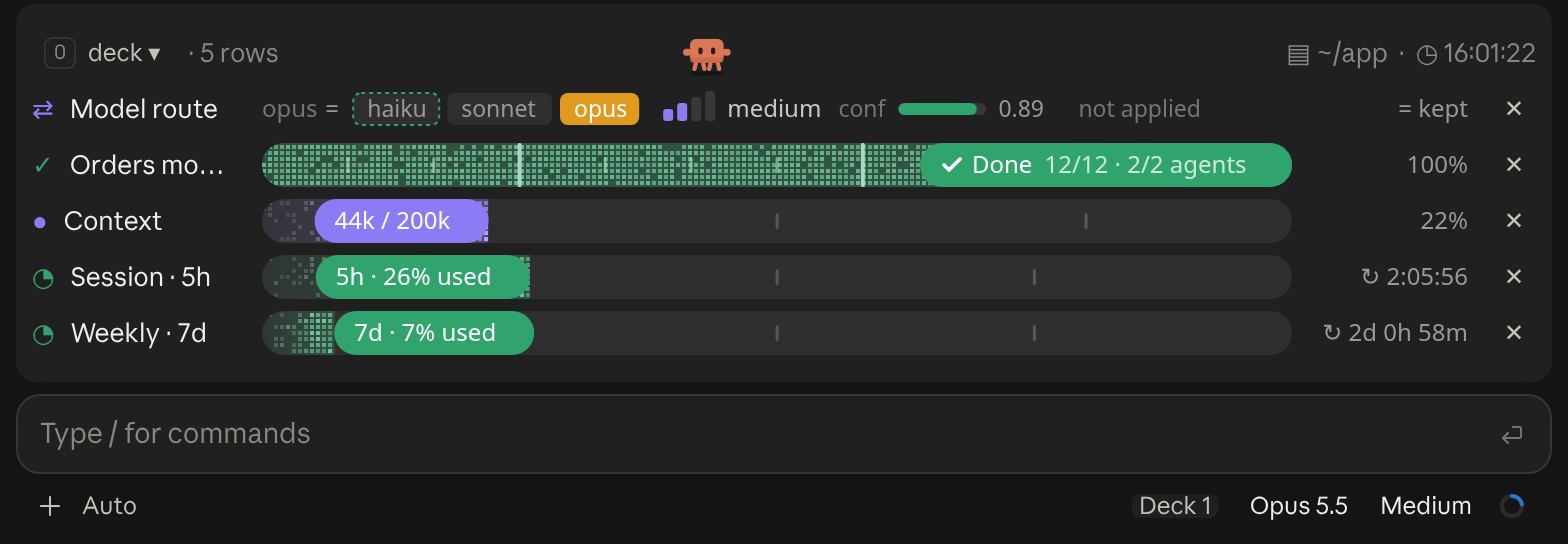
Deck in Claude Desktop

A cockpit for Claude Code: plan bars and subagent strips, context, usage limits with reset countdowns and burn rates, spend, the model route and a pet. Six bar styles, three collapsed looks. CLI and Desktop.

[-] ▄▄▄▀▀▀▀▀▄▄▄ ▀ ▀ ▀▀ ▀ ▀▄ ▀▀▀▀ ▀▀▀▀ ▀▀▀▀▀▀▀▀▀▀▀ ▄▀▀▀ ▀▀▀ ▀▀▄▄ Lv 5 ▀▀ ▀▀▀ ▀▀▀▀▀▀ ●●●●○ ▀▀ ▀▀ ♥♥♥♥♡

A pixel Pokémon that lives at the right edge of the band above the prompt

✧ ███████████▋ 73% 🗝 Ultima Weapon ✦ app ∙ main ♥ ████████████████████████ 100% 「SAVE POINT」 ✶ Limit Form ◉ 41

Claude Code plan-usage HP bar that reads the Claude auth token to show remaining usage.

Opus 4.8 | app main | ctx 22% | ▶ Fix lease reclaim

Your in-progress Tasqr task, what the queue would hand you next with its pending count, and how much is blocked — alongside model, directory, git branch and context usage. Four styles, from a single line to a boxed panel or two-line meters.

Opus · F:15% ██▍ ▏ A:7% █▏ ▏ ⟳ 3d

Per-model and all-model weekly quota meters, showing whether usage is ahead of an even pace and when the allowance resets.

✳ Usage 5h 26% · week 7% · fable 15%

Your official Claude quota: the 5-hour session, weekly, and per-model windows with reset times, read from the same endpoint as /usage rather than estimated from token logs.