
Opus 4.8 ▓▓░░░░░░░░ 22%Context Burn Bar
by
 @gwiener
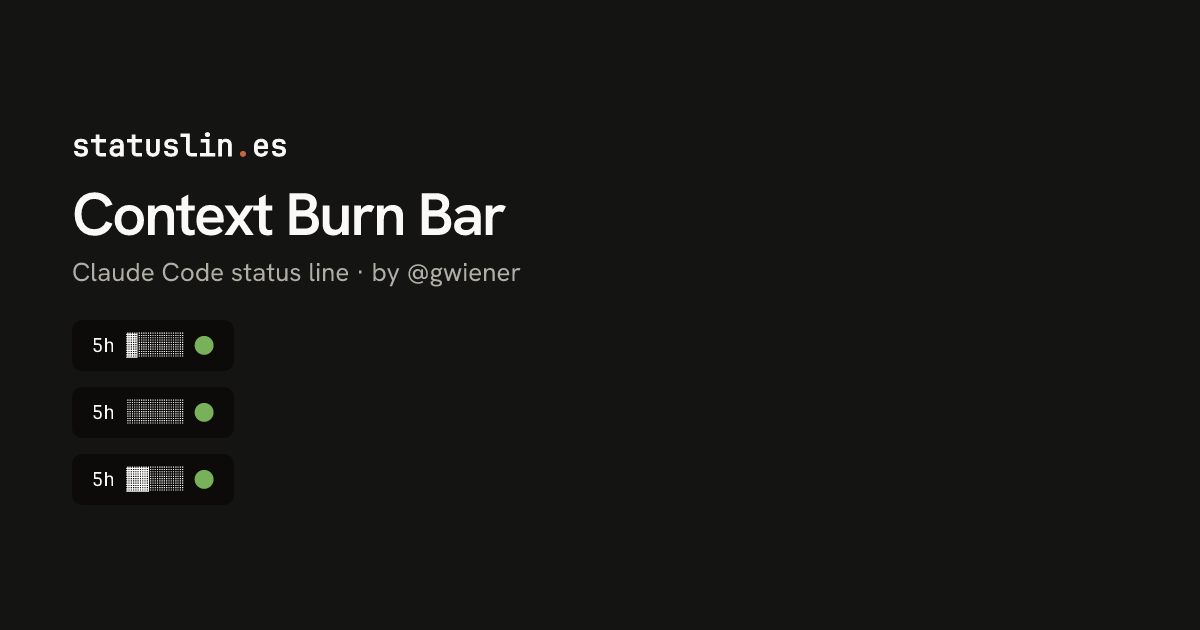
A minimal 5-slot block bar showing context-window usage with a green/yellow/red status dot. Source: github.com/gwiener/claude-burn-bars
Before you install
- This version was reviewed before it was listed on Jun 29, 2026
- Doesn't ask to connect to the internet
- Needs jq.
- The 5h label is fixed text. The bar measures context window use, not the 5-hour rate limit.
Preview
Clean repo
5h ▓░░░░ 🟢
New session
5h ░░░░░ 🟢
Dirty branch
5h ▓▓░░░ 🟢
Near-full
5h ▓▓▓▓▓ 🔴
1M context
5h ▓▓▓░░ 🟡
Post-compact
5h ░░░░░ 🟢
Worktree
5h ▓▓░░░ 🟢
Non-git
5h ▓░░░░ 🟢
What it does
A five-slot bar for how full the context window is, followed by a green, yellow or red dot.
- Written in
- Bash
- Network access
- None requested
- Works in
- Terminal
How it works
- Reads context_window.used_percentage with jq and treats a missing value as 0.
- Each slot is 20%, rounded to the nearest slot, so 48% fills two and 64% fills three.
- The dot is green under 50%, yellow from 50% and red from 90%.
Source
#!/bin/bash
# Claude Code context-window status bar.
# Reads the Claude Code status line JSON from STDIN and renders
# a compact 5-slot bar for the context window (5h) usage.

set -euo pipefail

input=$(cat)

PCT=$(echo "$input" | jq -r '.context_window.used_percentage // 0' | cut -d. -f1)

# Build a 5-slot progress bar: each slot = 20%.
filled=$(( (PCT + 10) / 20 ))
[ "$filled" -gt 5 ] && filled=5
bar=""
for i in 1 2 3 4 5; do
  if [ "$i" -le "$filled" ]; then
    bar="${bar}▓"
  else
    bar="${bar}░"
  fi
done

# Icon: green <50%, yellow 50-90%, red 90%+
if [ "$PCT" -ge 90 ]; then
  icon="🔴"
elif [ "$PCT" -ge 50 ]; then
  icon="🟡"
else
  icon="🟢"
fi

printf "5h %s %s\n" "$bar" "$icon"
Badge for your README
Own this listing? Add it to your README. The badge shows the install count as it grows.

[](https://staging.statuslin.es/c/context-burn-bar-863967c4?utm_source=readme-badge)
Or show the preview card:
[](https://staging.statuslin.es/c/context-burn-bar-863967c4?utm_source=readme-badge)
More status lines
  Opus 4.8 high ✦ │ ctx 22% │ app (main) │ PR #1287 ● │ $0.41 · 10m +128 -34
  Session ● ● ● ● ● ● ● ● ○ ○ ○  74% left  Resets in 2h 6m
  Weekly  ● ● ● ● ● ● ● ● ● ● ○  93% left  Resets in 2d 0h
Opus 4.8 │ main │ app │ ▓▓░░░░░░░░ 44k/200k │ $0.41
app · main · Opus-4.8 · effort high · ctx 22% · 5h 26% ↻2h6m · 7d 7% ↻2d0hOpus 4.8 · app on main[Opus 4.8] | ━━━━━━ 22% (44K/200K) | app | git:(main) | ⏱ 10m
Related mods


The session's context window fill, right above the prompt: gray while there is room, yellow when it is time to /compact, red when a new session is better.
· ↑ 37.0k ↓ 1.4k cache 7.0k · session ↑ 111.0k ↓ 4.2kEach turn's tokens and the session's running total, in color at the end of the hint line under the prompt.


Your context window as a stacked bar above the prompt, a color per category, with token counts and the compaction point. /context-bar shows or hides it.

  ⎿  cache-tax: keepwarm on for 6h00m, a ping 50m after each idle stretch keeps the cache read, not
     re-written
  ⎿  cache-tax: claude-opus-5-5
     state       warm, 1h00m left
     context     44,000 tokens
     cold cost   $0.35 to re-write it (warm turn $0.01)
     keepwarm    on, 6h00m left · ping in 50m
     break-even  up to 40 pings at the read rate cost one cold write, about 33h20m of idle at one
     ping per 50m
     guard       ask first (/cache-tax guard warn to only show the price)
     session     0 cold writes paid, $0.00
[>] cache-tax · warm · keepwarm 6h00m left · ping in 50m                                        [-]
A Claude Code mod that keeps the one-hour prompt cache warm during breaks and asks before a cold send, showing its estimated rewrite cost. Warming uses model requests and costs tokens. Requires Claude Code 2.1.287+.