Recording Mode
Mask secrets while screen recording

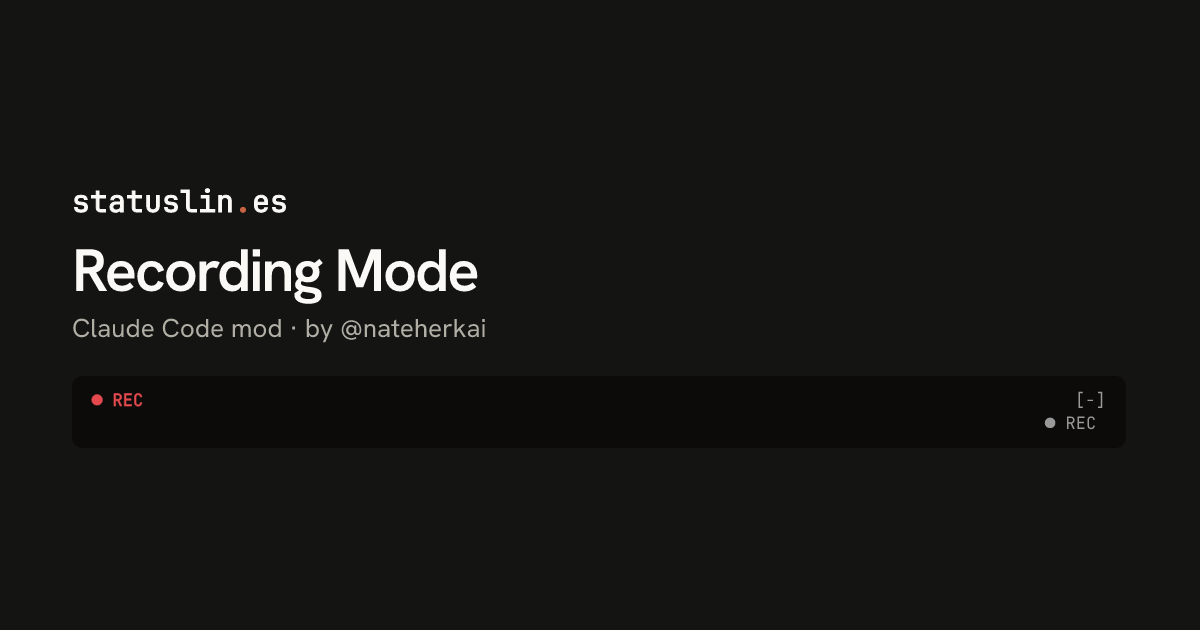
Type /rec before a screen recording and this mod masks keys, personal details and business figures on screen and keeps private files closed. A ● REC marker shows above the prompt.
What this mod can do
- Reviewed at commit 33a936f
- Writes files
- Reads environment variables
- Sees each prompt you send and can change or drop it
- Sees each tool call before it runs and can block or change it
3 more things it can do
- Reads files
- Adds slash commands
- Runs on a timer
Good to know (1)
- /rec off turns it off. /rec strict and /rec config exist, but the mod has no README describing them.
Preview
Terminal
● REC                                                                                           [-]
                                                                                             ● REC
Claude Desktop

What it does
In the author's words
/rec before you record: masks keys, personal details, and business figures on screen and keeps private files closed (/rec strict, /rec off, /rec config)
- What you see
- A ● REC marker above the prompt
- Works in
- Terminal and Claude Desktop
- Slash commands
- /rec, /recording
- Uses your tokens
- No
- Changes files
- Yes
- Network access
- None
- Reviewed commit
- 33a936f
- Preview recorded with
- Claude Code 2.1.309
How it works
- You turn it on with /rec before you start recording
- Sees each prompt you send and can change or drop it
- Checks each tool call before it runs and can block or change it
- Shows a ● REC marker above the prompt
Common questions
How do I hide keys and secrets when screen recording Claude Code?
Run /rec before you start recording. Recording Mode masks keys, personal details and business figures on screen and keeps private files closed. Run /rec off when you're done.
Badge for your README
Own this listing? Add it to your README. The badge shows the install count as it grows.

[](https://staging.statuslin.es/mods/recording-mode?utm_source=readme-badge)
Or show the preview card:
[](https://staging.statuslin.es/mods/recording-mode?utm_source=readme-badge)